
← Product catalog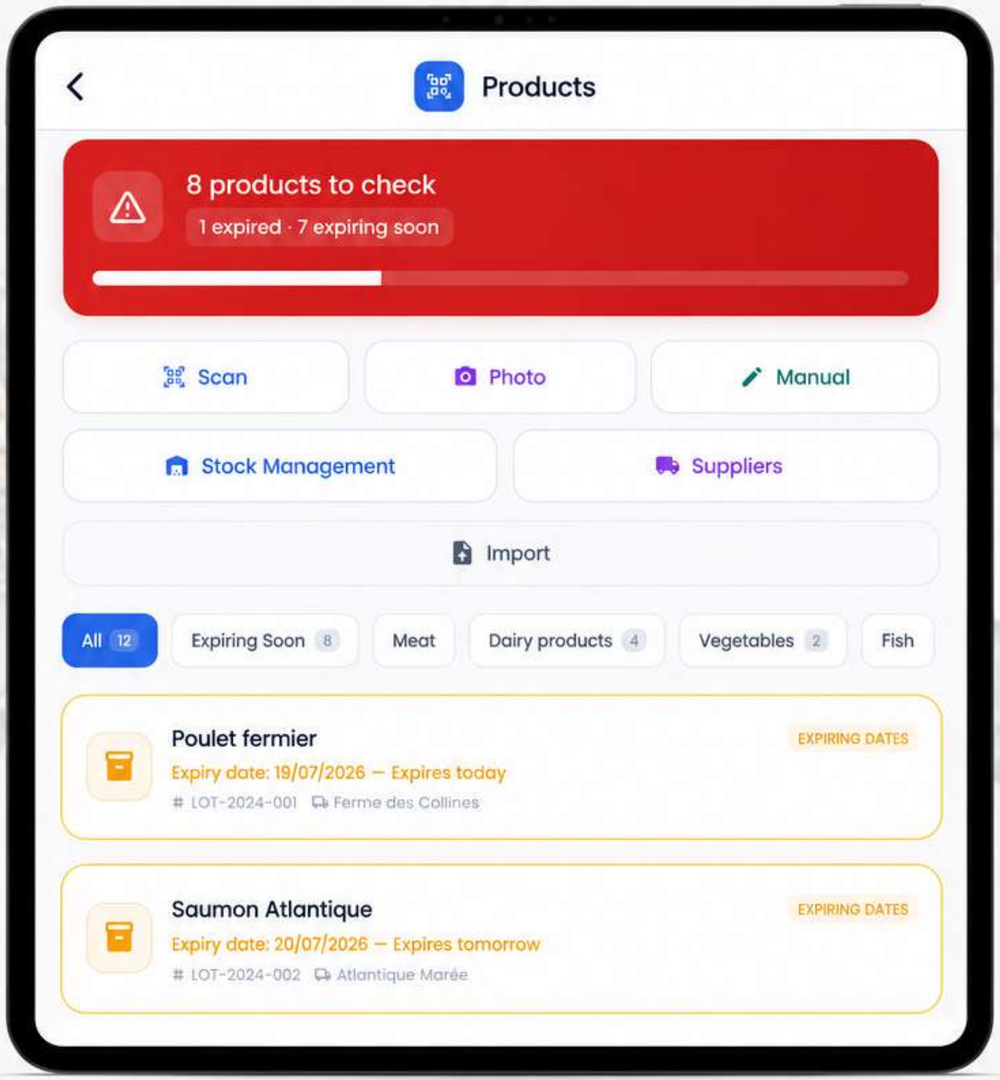
Scan a product with the camera
Scan a barcode and let Open Food Facts fill in the product sheet automatically.
- 1
Open the Product Catalog and tap the scanner icon.
- 2
Aim at the product's barcode: if it's recognized by Open Food Facts, the sheet fills in automatically (name, brand, photo, allergens, nutritional values).
- 3
All that's left is to fill in the details specific to your business (batch, best-before date, supplier, storage location).
Was this article helpful?
Question not covered by this article?