← HACCP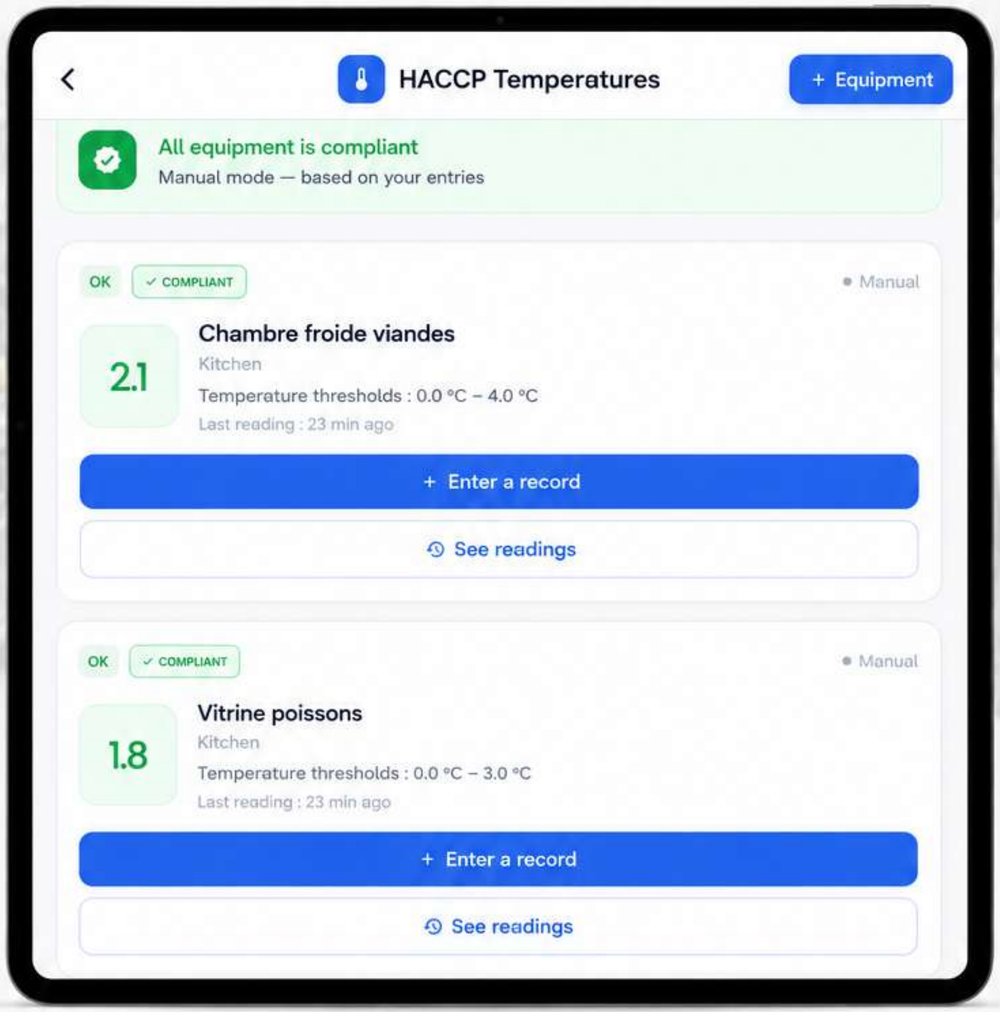
How to log a temperature reading
Log an appliance's temperature in seconds, right from your phone, in the dining room or kitchen.
- 1
Open the Temperatures module, select the relevant appliance (fridge, freezer, display case), then tap "Add a reading".
- 2
Enter the temperature and confirm.
- 3
If the value exceeds the thresholds set for that appliance, an alert is triggered automatically.
Was this article helpful?
Question not covered by this article?